
When Not to Upgrade Your Stack
Software upgrades often introduce more friction than value. This checklist helps you audit switching costs, migration risks, and when to keep your current stack.
Every quarter, software vendors push new features, artificial intelligence integrations, and redesigned interfaces, framing an upgrade as an operational necessity. But for most mid-sized businesses, changing your software stack introduces more friction than value. The decision to upgrade should not rest on an attractive demo or promises of theoretical efficiency. It requires a cold audit of switching costs, data portability, and the disruption to your current workflows. If the total cost of migrating-including employee downtime, retraining, and integration rebuilding-exceeds the hard financial return of the new tool over an 18-month period, you should keep your current setup.
Software procurement is frequently driven by frustration with an existing vendor. A recurring bug goes unfixed, or support takes three days to reply. Competitors target this exact frustration with aggressive marketing. However, moving from an imperfect tool you know to a new tool you do not know often trades one set of known limitations for an entirely new set of undocumented problems. This document provides a framework to measure the actual burden of changing your software stack and identifies the specific conditions where staying put is the most profitable business decision.
The Hidden Burden of Migration
Vendors heavily minimize the operational drag of moving data and workflows. They will offer automated import tools, but these rarely work perfectly for mature databases. The longer you use a specific platform, the stronger its "data gravity" becomes. Relational links between client records, billing history, and communication logs are notoriously difficult to extract and map to a new system.
Consider the reality of exporting data. Standard CSV exports usually strip critical metadata. If you are moving a customer relationship management (CRM) system or a project management tool, flat file exports will destroy the relational context between a client, their past projects, and internal team notes. Application Programming Interface (API) transfers are better, but you will often hit strict rate limits during a mass migration, extending a weekend project into a two-week ordeal.
Furthermore, integrations break. If your current stack relies on custom webhooks or third-party connectors to push data between your billing software and your marketing platform, those pipelines must be completely rebuilt and tested. The time your internal IT or operations team spends reconfiguring these connections is a direct financial cost that must be factored into the upgrade decision.
Evaluating the Feature Gap Reality
Sales presentations are designed to highlight what your current software lacks. They focus on the perceived feature gap. Before authorizing a migration, you must audit whether your team will actually use these new features, or if they are simply impressive demo material.
Apply a strict usage audit to your current tools. Most organizations actively utilize less than thirty percent of their existing software's capabilities. If your team is not maximizing the current platform, upgrading to a more complex tier or an entirely new vendor is a misallocation of capital. The problem is rarely a lack of features; it is usually a lack of internal process enforcement or training.
When evaluating a new feature, demand concrete evidence of its utility. If a vendor claims their new automated reporting module will save your team ten hours a week, ask for the underlying assumptions of that math. Often, the time saved on data entry is immediately consumed by the time required to configure, maintain, and troubleshoot the new automation.
Contract Terms and Renewal Risks
The financial modeling for a software upgrade is frequently flawed because buyers focus on the introductory price. Vendors understand that switching costs are high, so they heavily discount the first year to secure your signature. This creates a dangerous financial trap.
You must model the cost of the new stack based on the year-two and year-three renewal rates. A tool that looks cheaper today may cost forty percent more upon renewal, completely erasing the projected return on investment. Carefully review the contract for auto-renewal clauses and price cap limitations. If the contract does not explicitly cap annual price increases at a reasonable inflation metric (typically three to five percent), you are exposing your operational budget to severe risk.
Pay close attention to seat minimums and user tiering. Your current vendor might allow you to pay per active user. The new vendor might require you to purchase licenses in blocks of ten or twenty. If you have twenty-two employees requiring access, you are forced to pay for thirty licenses. These structural pricing differences matter far more than a temporary discount.
The Evidence Checklist: Due Diligence Before Switching
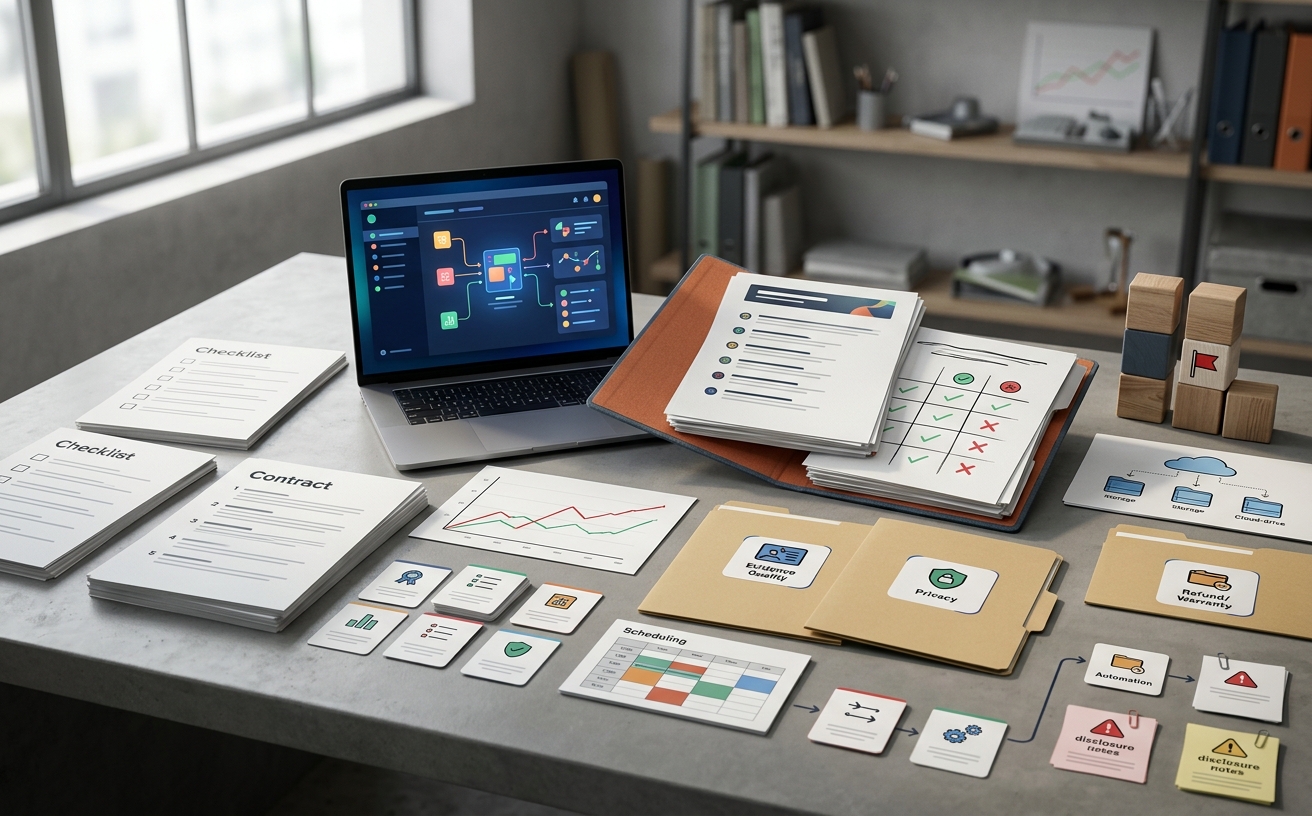
Do not rely on vendor assurances. Use this checklist to audit the reality of the migration before signing a contract.
- Export Fidelity Testing: Demand a sandbox environment. Export a complex subset of your current data and attempt to import it into the new tool. Verify whether relational links, timestamps, and file attachments survive the transfer.
- Support Service Level Agreements (SLAs): Ignore claims of excellent support. Read the contract. What is the guaranteed response time for a critical outage? Are there financial penalties if the vendor fails to meet uptime guarantees? If the SLA is vague, the support will be poor.
- Privacy and Data Usage: Read the terms of service regarding artificial intelligence. Does the vendor claim the right to train their machine learning models on your proprietary business data? If you handle sensitive client information, upgrading to a tool with aggressive data-harvesting policies introduces severe liability.
- Hidden Implementation Fees: Clarify exactly what the vendor's onboarding team will do. Will they map the data fields for you, or do they merely provide a knowledge base article and leave the execution to your staff? Require a line-item breakdown of all implementation and training costs.
- Exit Clauses: Establish how you will leave the new tool if it fails. Do they charge a fee for a full database export? What format is the final export provided in?
When Not to Change Your Stack (Who Should Skip the Upgrade)
There are specific scenarios where retaining your current, flawed software is objectively the better business decision. Do not proceed with a migration if any of the following apply to your organization:
- The primary motivation is interface fatigue. If your current tool is ugly but functional, and the new tool is beautiful but untested, keep the ugly tool. Aesthetic improvements rarely yield measurable productivity gains.
- The migration overlaps with your peak revenue season. Software migrations always take longer than projected. Never execute a core stack change within sixty days of your busiest operational quarter. The risk of downtime impacting revenue is too high.
- The vendor refuses a proof-of-concept. If a sales team will not allow your IT staff to test a sandbox environment with real data for at least fourteen days, walk away. They are hiding structural limitations.
- The ROI depends on perfect user adoption. If the financial justification for the upgrade assumes that one hundred percent of your staff will immediately and perfectly adopt the new workflows, the model is broken. Assume a twenty percent drop in productivity for the first three months. If the math no longer works, do not switch.
- Your current vendor offers a viable workaround. Before leaving, outline your exact frustrations to your current account manager. They may offer a custom script, a beta feature, or a significant discount to retain your business. Exploring these options is always cheaper than migrating.
Frequently Asked Questions
How do we accurately calculate the hard cost of switching software?
Calculate the total hours required for data extraction, cleaning, and import, multiplied by the hourly rate of the staff performing the work. Add the cost of running both systems concurrently for a minimum of thirty days. Finally, estimate a fifteen to twenty percent reduction in output for the affected departments during the first four weeks of use as they navigate the new learning curve.
What is a realistic timeline for a mid-market software migration?
Vendors will often quote two to four weeks. In practice, a core system migration (such as an ERP, CRM, or primary project management suite) typically requires eight to twelve weeks from contract signature to full deployment. This accounts for data mapping errors, necessary workflow adjustments, and staff training schedules.
How can we negotiate better terms with our current vendor instead of leaving?
Gather hard quotes from two direct competitors. Present these quotes to your current account manager, clearly stating the operational bottlenecks causing you to look elsewhere. Request a specific remedy: either a price reduction to offset the manual workarounds you are forced to use, or access to higher-tier features at your current price point. Retention teams have high authorization limits to prevent churn.

How TheVerdictLab Scores Products
Our evaluation methodology ignores marketing claims to focus on switching costs, contract terms, data privacy, and the actual burden of software migration.

Reading Sponsored Reviews Without Getting Tricked
Learn how to analyze sponsored software reviews to uncover hidden switching costs, contract traps, and missing features before you commit to a new subscription.
Best-List Red Flags for Software Buyers
Most software ranking lists are pay-to-play affiliate directories. Learn to spot red flags and evaluate B2B tools on actual contract and migration risks.

Deal Price History Before Renewal
Audit your SaaS deal price history before signing a renewal. Learn how to track contract terms, avoid arbitrary price hikes, and prepare for negotiations.

Warranty and Refund Language to Check
Before signing an annual software contract, review the master service agreement. We outline the exact warranty and refund clauses that trap buyers.

Return Policy Before Buying a Subscription
A skeptical look at B2B SaaS cancellation clauses, refund risks, and offboarding terms before you sign the contract.