
Freshdesk vs Zendesk Early-Stage Comparison
Compare Freshdesk and Zendesk for early-stage teams. We look at hidden contract terms, setup friction, and the real cost of scaling your support operations.
Choosing a helpdesk for an early-stage company is a high-stakes operational decision disguised as a routine software purchase. Most founders and early support leaders default to Zendesk because of its overwhelming market presence, or they adopt Freshdesk to take advantage of its free entry-level tier. Both approaches often lead to structural debt.
The reality is that your initial helpdesk choice dictates your customer support workflows, data architecture, and team habits for the next two to three years. Migrating away from an established ticketing system is notoriously difficult, meaning the platform you choose today will likely hold your customer data hostage when you attempt to scale or switch.
This comparison strips away the marketing claims to examine how Freshdesk and Zendesk actually operate for early-stage businesses. We focus on implementation friction, contract rigidity, hidden costs, and the practical realities of managing your first dedicated support environment.
The Core Architectural Difference
The fundamental distinction between these two platforms lies in their design philosophy and target user. Zendesk is built as an enterprise-grade platform that has been scaled down for smaller teams. Freshdesk is built as an accessible tool that has been scaled up to accommodate larger operations.
Zendesk relies on a complex system of triggers, automations, and macros that execute in a specific hierarchy. This architecture is incredibly powerful for a 500-person support team routing tickets across multiple global tiers. For a three-person startup, this same architecture introduces significant overhead. You are essentially handed an empty database and a set of routing rules, and you are expected to build your own operational logic.
Freshdesk takes a more prescriptive approach. Its default settings, out-of-the-box SLA (Service Level Agreement) policies, and pre-configured ticket views are designed to work immediately for standard email and web widget support. The interface is highly intuitive for junior agents, requiring minimal training to achieve basic competency.
Pricing Structures and Contract Risks
Software pricing is rarely as straightforward as the public pricing page suggests. For early-stage companies, cash flow and flexibility are critical, making the contract terms just as important as the per-agent fee.
Zendesk: The Enterprise Lock-In
Zendesk aggressively pushes annual contracts. While they offer monthly billing on some lower tiers, the pricing penalty is steep. More importantly, Zendesk enforces strict auto-renewal clauses. Missing the cancellation or downgrade window-often 30 days prior to the renewal date-means you are legally committed to another full year at your current seat count.
Early-stage companies often over-provision Zendesk seats in anticipation of growth, only to find they cannot easily reduce their license count during a down quarter. Furthermore, essential features like advanced reporting (Zendesk Explore) or light agents (for developers who need to view tickets but not reply) are frequently gated behind higher-tier "Suite" packages, pushing your base cost from $55 per agent to $115 per agent very quickly.
Freshdesk: The Upsell Treadmill
Freshdesk is highly attractive at the entry point. The free tier allows up to 10 agents, which is sufficient for many bootstrapped startups. However, this tier lacks basic automation and custom reporting.
Once you move to the paid tiers, Freshdesk operates on a feature-gating model designed to force upgrades. For example, if you need custom roles, you must upgrade to the Pro tier. If you want skill-based routing, you need the Enterprise tier. While Freshdesk is generally more lenient with monthly contracts and seat adjustments than Zendesk, their account executives are heavily incentivized to push multi-product bundles (like Freshchat and Freshcaller) that complicate your billing.
Setup Friction and Time to Value
The cost of software includes the payroll hours spent configuring it. For a startup, dedicating a week to software configuration is a massive drain on resources.
Zendesk requires a dedicated administrator mentality. Setting up a simple workflow-such as routing all billing inquiries to a specific agent and sending an auto-responder-requires creating separate triggers, checking condition statements, and testing the execution order to ensure it does not conflict with other rules. Many companies end up hiring external Zendesk consultants just to get their basic instance running correctly. If you do not have a technically inclined team member to own the Zendesk instance, your time to value will be measured in weeks, not days.
Freshdesk minimizes setup friction. The administrative dashboard is categorized logically, and setting up basic routing rules takes minutes using a visual builder. A founder or early customer experience hire can configure support email forwarding, set up a basic knowledge base, and invite agents over a single weekend. The trade-off is that Freshdesk's visual builder becomes cumbersome when you attempt to build highly complex, multi-stage routing trees later on.
Data Portability and Migration Burden
You must plan for your exit before you sign a software contract. Helpdesks accumulate a massive volume of sensitive customer data, including personally identifiable information (PII), purchase histories, and internal company correspondence.
Exporting data from Zendesk is a mixed experience. While Zendesk has a highly documented and extensive API, exporting your entire ticket history via API is subject to strict rate limits. Full XML exports are available, but mapping that XML data into a new system requires custom development work or expensive third-party migration tools like Help Desk Migration. Zendesk does not make it easy to leave.
Freshdesk allows you to export ticket data to CSV files directly from the interface, which is useful for basic backups. However, exporting full ticket threads with inline attachments is notoriously difficult. If you decide to migrate from Freshdesk to another platform in two years, you will likely lose some historical context or attachment data unless you pay for specialized migration assistance.
Support Friction: How They Treat Their Own Customers
There is a distinct irony in evaluating the customer support provided by customer support software companies. For early-stage teams without priority enterprise support contracts, the experience can be frustrating.
Zendesk relies heavily on its own self-service knowledge base and community forums. If you submit a ticket as a lower-tier customer, you will likely be routed through an automated chatbot and wait 24 to 48 hours for an email response from an outsourced tier-one agent. Getting complex technical issues escalated requires persistence.
Freshdesk support is generally more accessible for lower-tier customers, often providing faster initial response times via chat. However, the quality of the technical resolution can be inconsistent. Freshdesk support agents frequently rely on scripted responses and may struggle to troubleshoot highly specific API or integration issues without escalating to an engineering team, which introduces delays.
When to Skip Both Platforms
Neither Freshdesk nor Zendesk is the correct choice for every early-stage company. You should actively avoid both platforms and look elsewhere if you fall into one of these categories:
- You run a pure e-commerce brand: If your business operates primarily on Shopify or BigCommerce, standard helpdesks create unnecessary silos. Look at Gorgias instead. It pulls customer order data directly into the ticket, allowing agents to process refunds and track shipments without switching tabs.
- You want support to feel like a personal email: Both Zendesk and Freshdesk inject ticket numbers and formatting into their email replies, which signals to the customer that they are talking to a machine. If you want your support to look like a standard, personal Gmail thread, use Help Scout or Front.
- You only have one or two people handling support part-time: Do not buy a dedicated helpdesk yet. A shared inbox tool or even a collaborative Gmail setup is entirely sufficient until your ticket volume reaches a point where things are actively falling through the cracks.
Verdict for Early-Stage Buyers
If you have technical co-founders, a clear roadmap to scale your support team beyond 20 people within the next 18 months, and the budget to absorb annual contracts, Zendesk is the safer long-term bet. It prevents the need for a painful migration later, provided you are willing to endure the steep learning curve and higher initial costs today.
If you are a bootstrapped company, a lean team, or a founder managing support alongside product development, Freshdesk is the superior choice. The ability to launch immediately, train junior staff in hours, and keep costs strictly tied to your actual usage outweighs the long-term architectural limitations. You can accept the risk of a future migration in exchange for operational speed today.
Frequently Asked Questions
Does either platform own my customer data?
No, both Zendesk and Freshdesk act as data processors under GDPR and CCPA, meaning you retain ownership of your customer data. However, retaining ownership is different from having easy access. Always maintain your own independent backups of critical customer interactions.
Can I downgrade my Zendesk plan if my team shrinks?
Only at the end of your contract term. If you sign an annual agreement for 10 seats and two employees leave in month three, you will continue paying for 10 seats for the remaining nine months. You must notify Zendesk of your intent to reduce seats before the renewal window closes.
Are the AI features in these platforms worth the extra cost?
For early-stage teams, generally no. Both companies charge premium add-on fees for their advanced AI triage and automated drafting tools. Until you have thousands of tickets per month providing a vast dataset for these tools to analyze, standard macro templates and basic routing rules are far more reliable and cost-effective.
How difficult is it to integrate custom internal tools?
Zendesk has the advantage here. Its API is older, more widely adopted, and more thoroughly documented. Almost every major SaaS product has a native integration with Zendesk. Freshdesk has a capable API, but you are more likely to rely on middleware like Zapier or Make to connect niche internal tools.
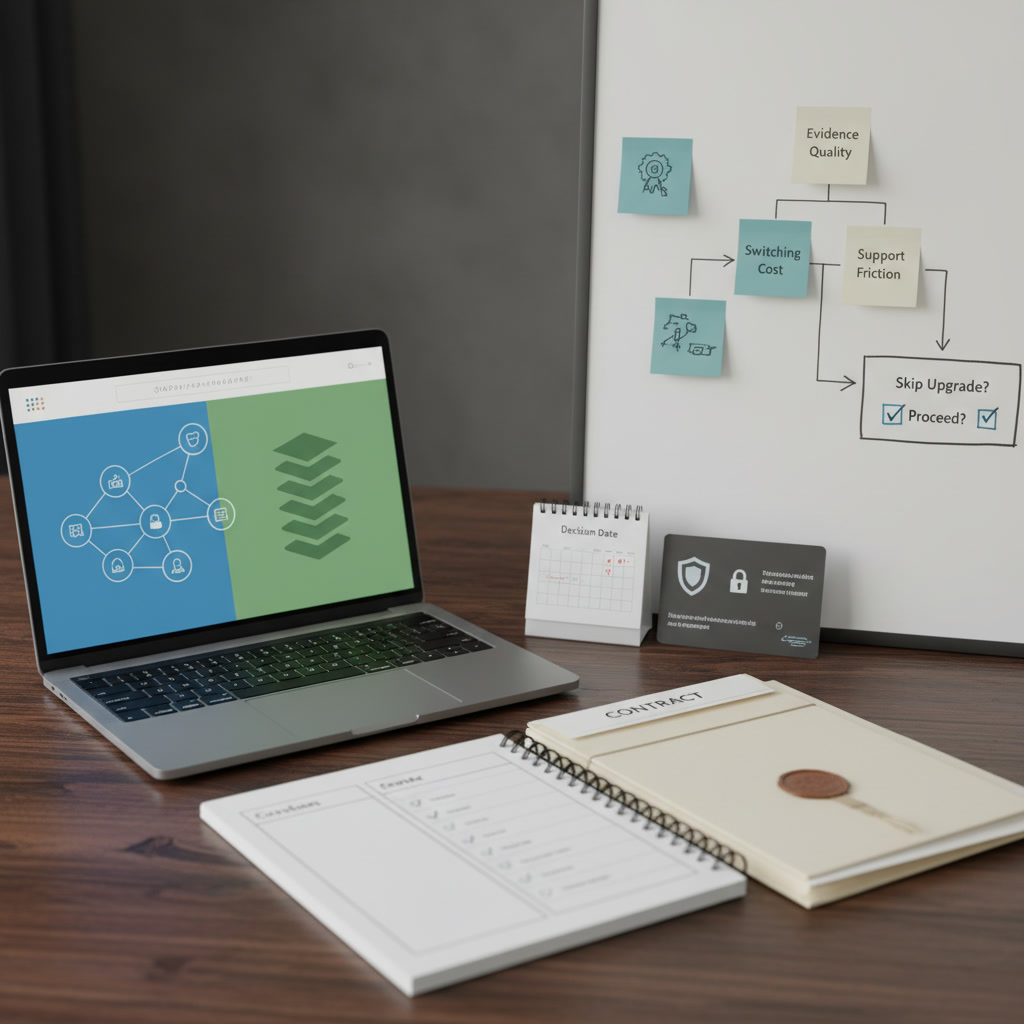
Notion vs Obsidian Decision Framework
Evaluate Notion and Obsidian based on data ownership, switching costs, and collaboration needs. A framework for choosing your knowledge base.

Grammarly vs ProWritingAid: Buyer Notes
A skeptical buyer's breakdown of Grammarly and ProWritingAid, focusing on data privacy, integration friction, and hidden enterprise subscription costs.

Canva vs Adobe Express for Small Teams
A skeptical breakdown of Canva vs Adobe Express for small teams. We evaluate switching costs, brand asset management, and AI privacy terms.

Shopify Apps vs Custom Build
Stacking Shopify apps creates technical debt, but custom builds carry high maintenance burdens. Here is how to evaluate the total cost of ownership.

HubSpot Starter vs Spreadsheet CRM
Moving from a spreadsheet to HubSpot Starter introduces automation but brings strict data structures and high upgrade costs. Here is how to evaluate the trade-off.
Google Workspace vs Microsoft 365 for Micro Teams
Choosing between Google Workspace and Microsoft 365 for a micro team comes down to IT overhead, client demands, and contract lock-in. Here is what to know.